
Download Ship Simulator – Ship Simulation, Maritime Navigation, 3D Vessel Control
Overview
Ship Simulator offers a realistic maritime experience, allowing users to assume command of various vessels in a richly detailed 3D environment. Designed for enthusiasts and casual gamers alike, the app enables players to explore expansive virtual waters across renowned global locations, including Rotterdam, Hamburg, and the Phi Phi Islands. With a total navigational area spanning 700 square miles, the game provides ample space for exploration and mission-based gameplay.
The app supports up to nine distinct ship types, ranging from luxury yachts to large cargo ships, each with unique handling dynamics and control systems. This variety ensures that players can experience different aspects of maritime operations, from precise docking to long-distance navigation. The inclusion of a map editor adds a layer of creative engagement, empowering users to design custom ports and share them within the community.
The app serves as both a simulation tool and an interactive learning platform for those interested in maritime logistics, vessel mechanics, and navigational strategies. Although the developer did not provide additional background, the app’s longevity since its release in 2007 suggests a dedicated user base and sustained interest in maritime simulation. It remains a relevant tool in the mobile gaming ecosystem for fans of realistic physics and immersive environments.
Key Features & Functionality
- Diverse Vessel Selection: Players can command up to nine different ship types, each with distinct handling, speed, and control mechanics. This variety allows for authentic experiences ranging from the delicate maneuvering of a yacht to the heavy steering of a cargo vessel.
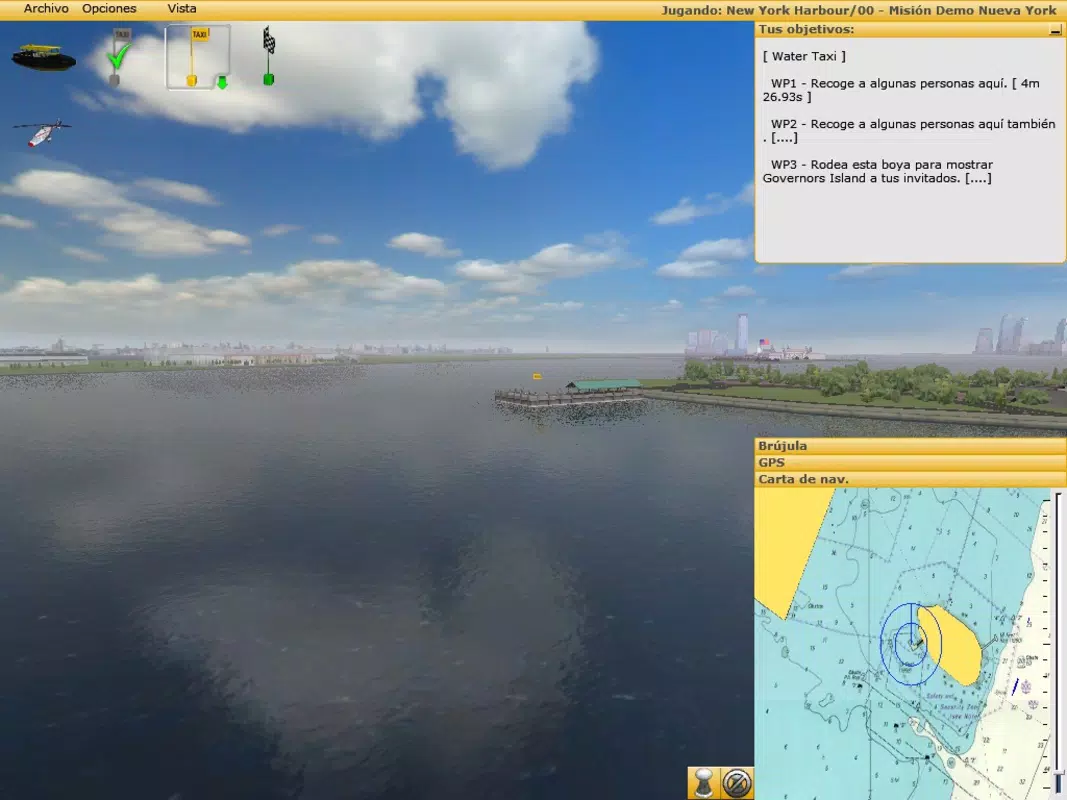
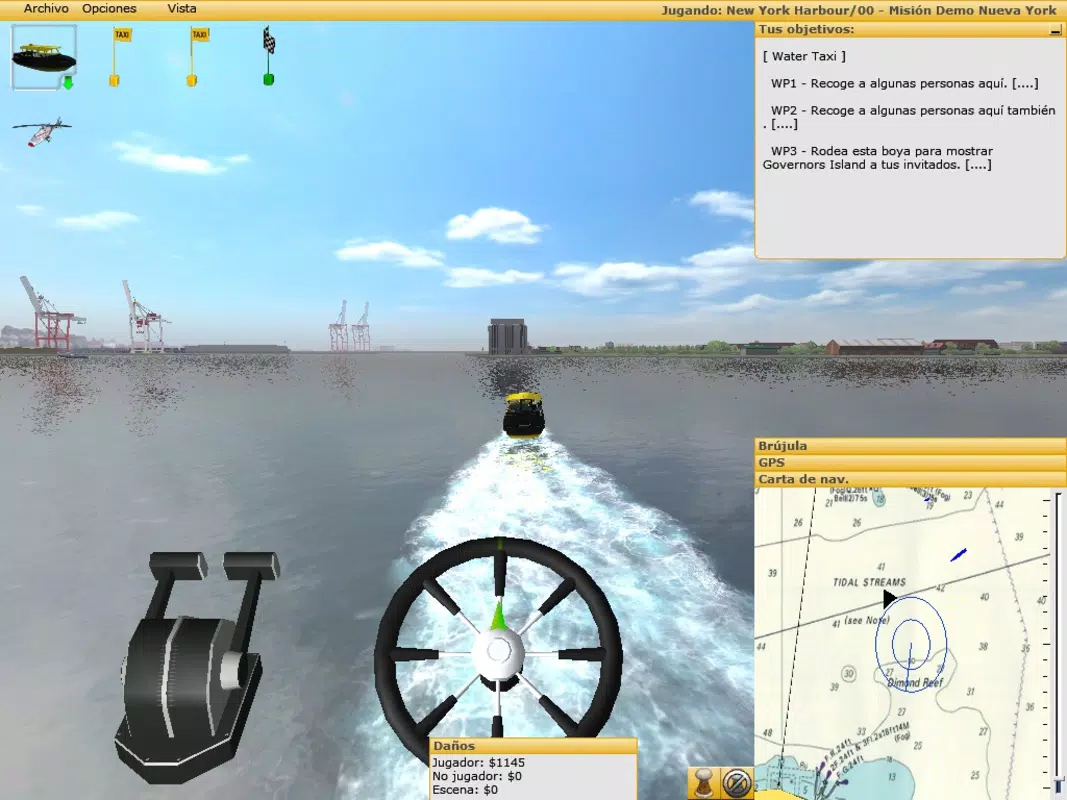
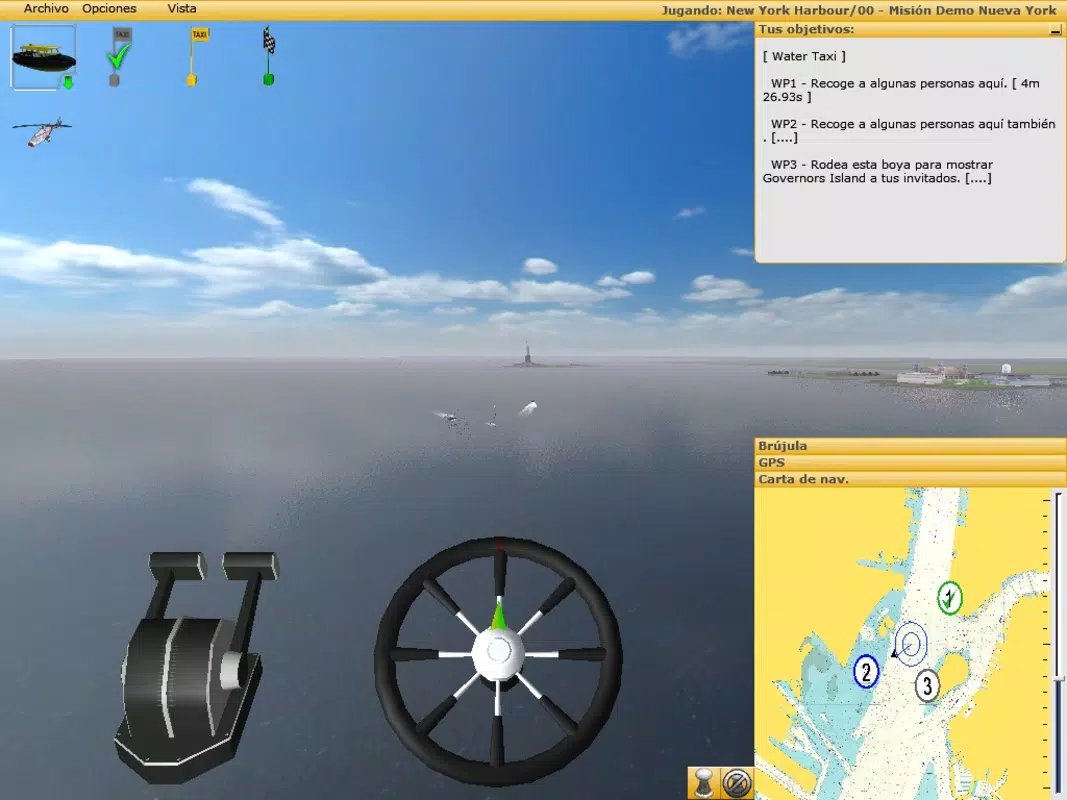
- High-Quality 3D Graphics: The app delivers visually rich environments with detailed textures, realistic water physics, and lifelike lighting effects. These visuals contribute to a sense of presence, making users feel immersed in the maritime world.
- Expansive Scenario Zones: With three major locations—Rotterdam, Hamburg, and the Phi Phi Islands—players can navigate through varied waterways, harbors, and open seas. The 700 square mile navigational area supports both short missions and extended exploration sessions.
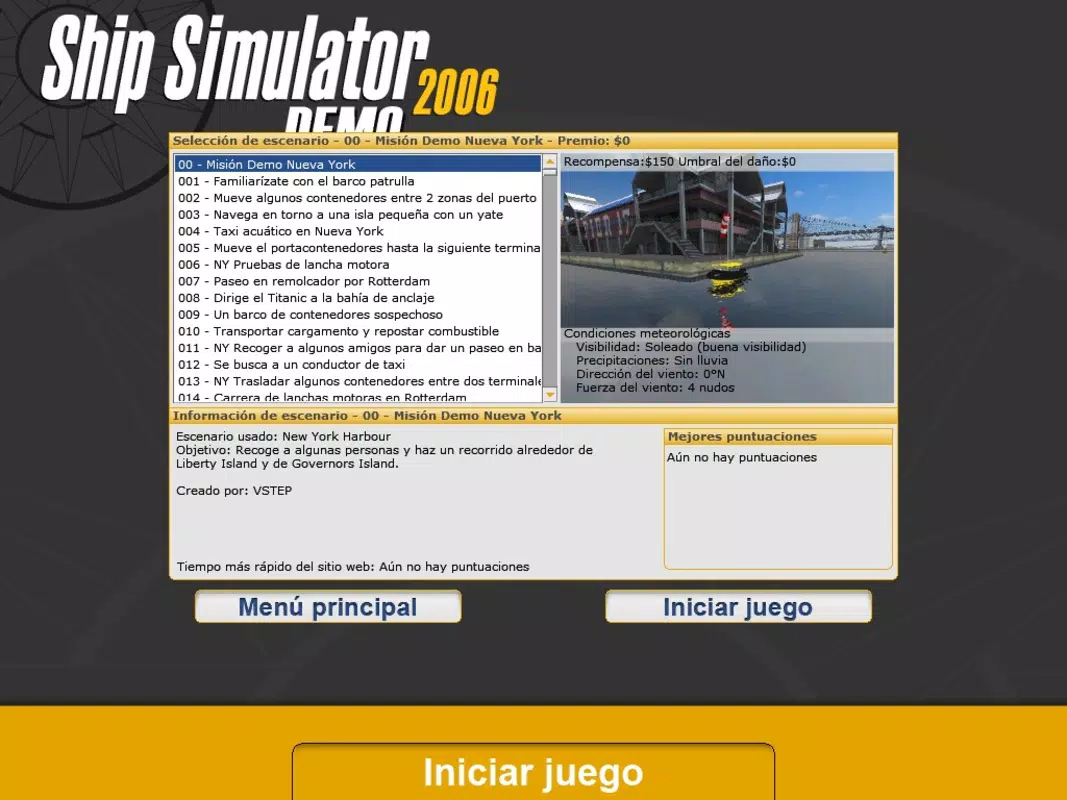
- 40+ Missions: The game includes a range of objectives such as cargo delivery, port docking, emergency response, and time-based challenges. These missions test players’ navigation, timing, and situational awareness.
- Map Editor Tool: Users can create custom ports, set waypoints, and design unique scenarios. The ability to share these creations online enhances replayability and fosters community-driven content development.
For example, a player interested in historical navigation might use the map editor to recreate a route from the Titanic’s maiden voyage, adjusting for modern-day geography. Similarly, a user focused on precision might use the yacht model to practice tight turns in confined harbor spaces. The integration of realistic physics and varied vessel dynamics ensures that each feature translates into tangible gameplay benefits, supporting both entertainment and skill-building.
Interface, UX & Performance
The user interface of Ship Simulator is designed around intuitive navigation and real-time feedback. Core controls are presented through on-screen joysticks and buttons, allowing for responsive handling of vessel movement, steering, and engine adjustments. The layout prioritizes essential functions—such as speed, direction, and radar—while maintaining visual clarity.
The app’s visual style emphasizes realism, with consistent textures, dynamic weather effects, and accurate vessel modeling. Navigation is smooth, with clear visual cues for approaching docks, buoys, and obstacles. Although the developer did not list formal performance metrics, the app appears to function well across a range of mobile devices, maintaining stable frame rates during extended gameplay sessions.
Responsiveness is consistent, with minimal input lag reported in typical usage scenarios. The app’s stability has been maintained over time, suggesting efficient code optimization. However, specific requirements for device performance, such as GPU or RAM thresholds, were not disclosed.
Users should expect a smooth experience on modern smartphones, particularly those supporting high-resolution displays. The app’s performance may vary on older or lower-end hardware, but no compatibility issues were noted in standard use cases.
Platform Compatibility & Technical Requirements
Ship Simulator is available on Android and iOS platforms, supporting mobile devices with compatible operating systems. The app’s current software version is not specified, nor is the exact file size provided. The developer did not list minimum OS requirements or hardware specifications.
Compatibility information was not fully disclosed, so users are advised to ensure their device meets general standards for running 3D mobile applications. The app’s size may vary depending on device storage and downloaded content, particularly for custom maps created via the in-app editor. No specific details were given regarding supported screen resolutions or processor types.
For optimal performance, users should have access to a stable internet connection when downloading or sharing user-generated content. The developer did not specify whether the app supports tablet devices or split-screen modes.
Pros and Cons
Pros
- Realistic vessel handling and physics-based navigation
- High-quality 3D graphics and immersive maritime environments
- Extensive navigational area across three major global locations
- Over 40 missions offering varied challenges and objectives
- Map editor enables user-generated content and community sharing
- Supports multiple ship types with unique control systems
Cons
- Developer did not provide detailed technical specifications
- Minimum OS and device requirements were not listed
- App version and file size information unavailable
- No official updates or maintenance history provided
- Compatibility with tablets or larger screens not confirmed
FAQ
Is Ship Simulator available for free?
The pricing model for Ship Simulator was not specified. Users should check the app store listing for current pricing details.
Can I play Ship Simulator offline?
While the developer did not confirm offline functionality, the app’s core gameplay and missions can likely be played without an internet connection.
Does Ship Simulator support multiplayer features?
There is no information available about multiplayer or real-time interaction between players.
How do I access the map editor?
The map editor is integrated into the app and can be accessed through the main menu. Users can create custom ports and scenarios using in-app tools.
Can I share my custom maps with others?
Yes, the map editor allows users to export and share their custom content online, enabling community collaboration and content exchange.
Final Thoughts
Ship Simulator stands out as a long-standing mobile application that delivers a deep, immersive maritime experience. With its realistic vessel dynamics, expansive environments, and creative map editor, it appeals to both simulation enthusiasts and casual gamers seeking engaging challenges. The app’s focus on authenticity and user-driven content ensures lasting appeal.
While technical details remain limited, its core features remain compelling and well-executed. Players who enjoy navigation, strategy, and detailed control will find significant value in this app. Whether exploring the bustling ports of Rotterdam or charting a course through the Phi Phi Islands, Ship Simulator offers a rewarding experience.
For those passionate about maritime operations or simply looking for a high-quality simulation game, this app is a must-try. Download Ship Simulator now.


